OVI from the RDW: how to read the Dutch vehicle information system
· 6 min read
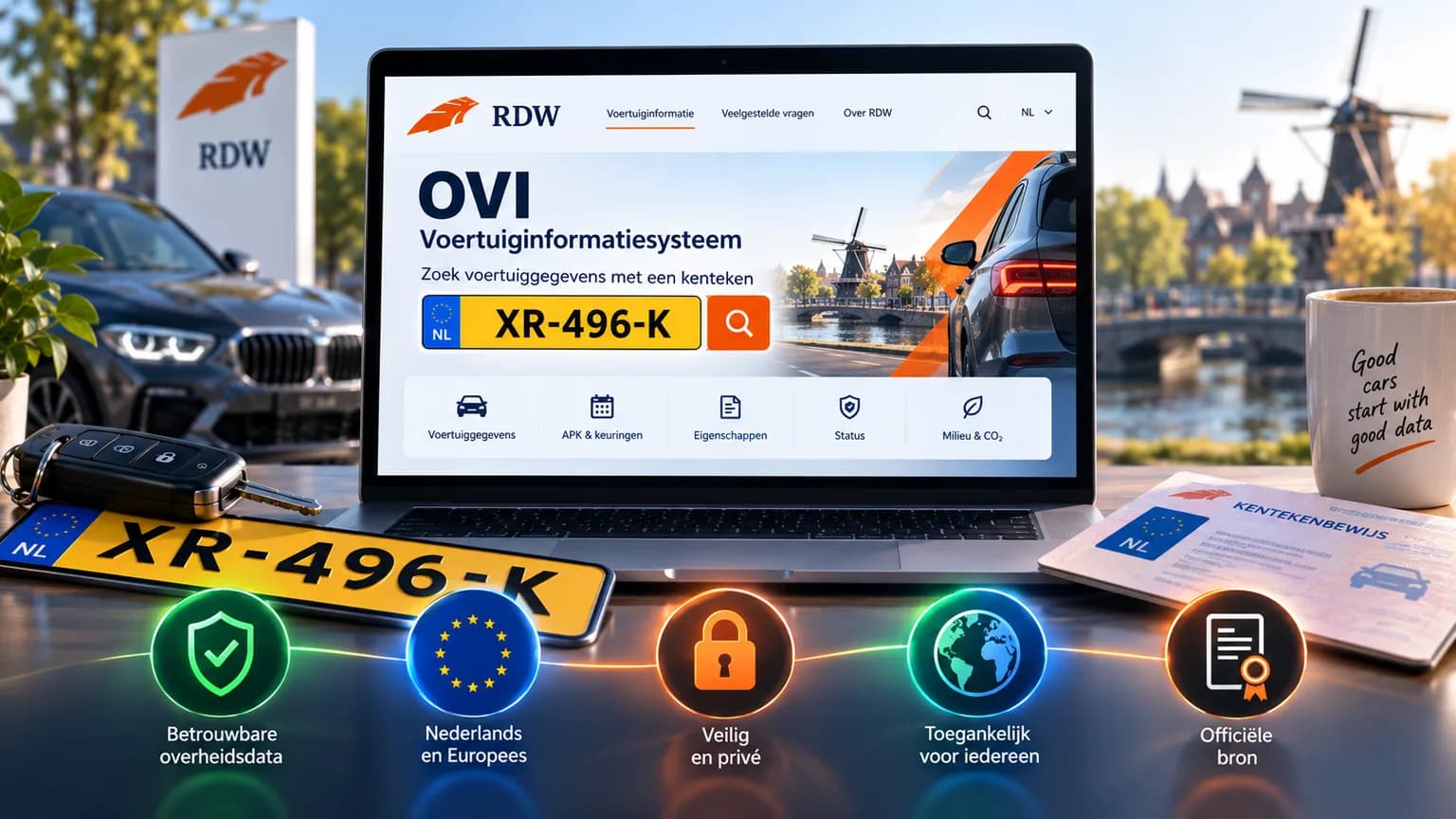
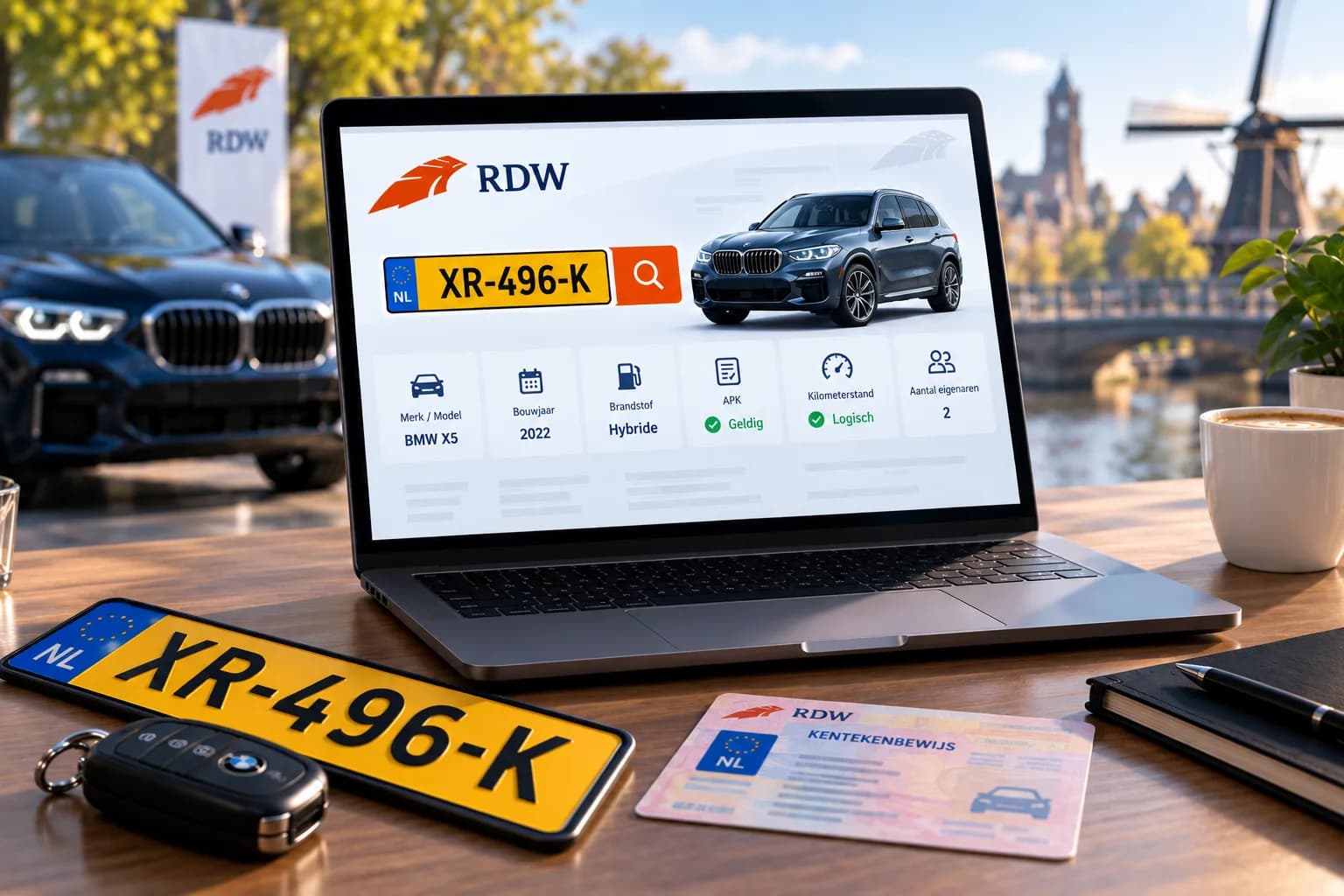
If you search for "OVI RDW", you are probably looking for the official place to look up a Dutch licence plate. It exists, it is free, and its full name is the vehicle information system (voertuiginformatiesysteem) of the RDW, the Dutch vehicle authority. Anyone may use it, no account is needed, and it works for every plate registered in the Netherlands. This guide is about the Dutch register; if the car you are looking at is on Dutch plates, this is where its data lives.
This article explains what OVI is exactly, how to open it, how to read the fields and which questions it does not answer. For the broader question of what the RDW makes public at all, read our article on the RDW licence plate check.
What is OVI?
The RDW keeps the Dutch licence plate register. Part of that register is personal data, and that part is shielded. The other part is data about the vehicle itself, and that part is public. OVI is the screen on which the RDW shows that public part, per plate.
So it is not a commercial service and not a third-party "plate checker". It is the source. Every other plate check in the Netherlands, ours included, draws its vehicle data from the same RDW data, which the RDW also publishes as open data.
How to use OVI
- Go to the vehicle information system on the RDW website (ovi.rdw.nl).
- Enter the licence plate. Dashes and capitals do not matter.
- Confirm you are not a robot and click search.
- The data is shown in tabs: general, technical, APK (the Dutch roadworthiness test), odometer, recalls and more.
If you get no result, the plate is usually not (or no longer) registered in the Netherlands: the car has been exported, scrapped or suspended, or it is a foreign plate. A typo is the other common cause; Dutch plate formats always have six characters.
The fields that matter
OVI shows dozens of fields. For a buyer, a handful are decisive:
- Date of first registration and date of first registration in the Netherlands. If they are far apart, the car was imported. That need not be a problem, but ask about its origin.
- APK expiry date. The car may only be driven with a valid roadworthiness test.
- WOK status. If it says "wachten op keuren" (awaiting inspection), the car has not yet been cleared after damage or a modification and may not be driven.
- Odometer judgement (tellerstandoordeel). "Logical" or "illogical". If illogical: ask further, and do not buy without an explanation.
- Insured. Whether a third-party liability policy is currently registered against the plate. An uninsured car that is nonetheless registered to someone is a sign that it is standing still, or that the owner is not careful.
- Open recalls. If yes: have the seller get this fixed free of charge at the dealer before the handover.
- List price. The new price at registration, useful to set against the asking price.
What OVI does not show
OVI is deliberately limited to the vehicle. It does not answer these questions:
- Who the owner is. Name and address are personal data and are only released to parties with a legal basis.
- Whether the car is stolen. Theft is in the stolen-vehicle register, not in the plate register.
- The mileage readings themselves. Only the judgement is visible, not the series of readings it is based on.
- The APK history with defects. OVI shows the current expiry date. The tests of earlier years and the defects found at them are in the RDW's open data, but not on the OVI screen.
- Damage and servicing. Repaired without an RDW inspection? Then it leaves no trace.
CarCheck fetches the same RDW data and puts a theft check, the monthly road tax and a value estimate next to it. Free plate check, no account needed. While the launch offer runs (until 1 January 2027), a free account adds the full APK history and the PDF report.
Run the free plate checkOVI or a plate check from another party?
Use OVI when you want to be certain of one thing, for example the APK date or the WOK status, and want to be able to cite the official source. It is the RDW itself, so there is no arguing about accuracy.
Use a plate check like CarTrace's when you are assessing a car. The same register data is then combined with sources OVI does not have: a theft check in the CarTrace register and, by VIN, StolenCars24, the complete test history, the tax tables and the market. For a purchase decision, that is the combination you need.
Last checked on 6 September 2026. CarTrace is not affiliated with the RDW; we use the public RDW data like every other provider. For the official and most current data on a vehicle, the RDW register is always authoritative.
Frequently asked questions
›What does OVI mean at the RDW?
OVI is the name of the RDW's vehicle information system: the public counter where you can view the vehicle data from the licence plate register per plate. It is free and needs no account.
›Is OVI the same as a plate check?
OVI is the official source of the vehicle data. A plate check from another party draws the same data from the RDW's open data and usually adds other sources, such as a theft check, the APK history with defects or a value estimate.
›Why does OVI not find my plate?
Usually because the vehicle is no longer registered in the Netherlands: exported, scrapped or suspended. Also check for a typo; a Dutch plate always consists of six letters and digits.
›Can I see in OVI whether a car is stolen?
No. Theft is recorded through a police report in the stolen-vehicle register, not in the licence plate register. Use a plate check with a theft check for that, such as CarCheck: it matches plate and VIN against the CarTrace register and, by VIN, StolenCars24.
This article was drafted with the help of AI tools, including Leo, and checked and edited by the CarTrace team before publication.
Check any VIN or licence plate for free.
See more of CarTrace on Google
Pick CarTrace as a preferred source and our guides show up more often in your Top Stories and AI answers on Google.
Add CarTrace as a preferred source on Google